
Choosing the Best Computers and Their Components
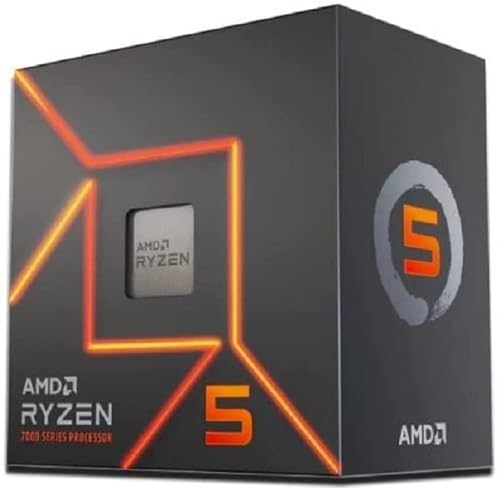
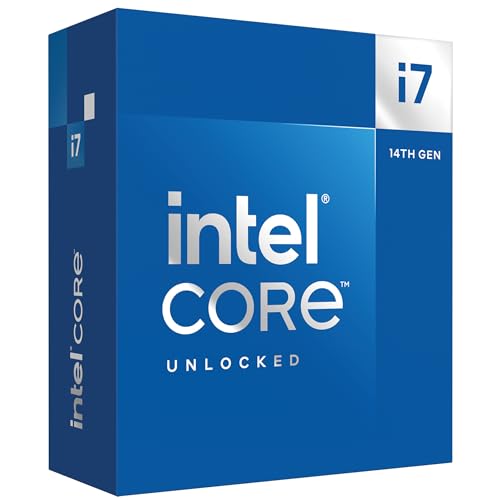
When it comes to purchasing a computer, whether for gaming, professional use, or everyday tasks, selecting the right components is crucial. The central processing unit (CPU) is the heart of any computer, and options range from high-end models like AMD’s Ryzen 9 and Intel’s Core i9 for power users, to more budget-friendly CPUs like the Ryzen 5 or Core i5, which still deliver excellent performance for most tasks. Performance benchmarks consistently show that while higher-end CPUs offer superior speed and multitasking capabilities, mid-range CPUs provide a remarkable price-to-performance ratio.




Graphics processing units (GPUs) are essential for gaming and professional work. The latest models from NVIDIA and AMD, such as the RTX 4090 and RX 7900 XTX, offer top-tier performance but come at a premium. For those on a budget, older models like the GTX 1660 or RX 5600 XT still provide solid performance for most games and applications. Reliable performance benchmarks indicate these GPUs deliver good frame rates and graphical fidelity for their price.


Memory (RAM) and storage are also critical components. For most users, 16GB of RAM is sufficient, though power users and gamers might benefit from 32GB. Storage options vary between traditional hard drives (HDDs) and solid-state drives (SSDs). SSDs, particularly NVMe SSDs, offer significantly faster read/write speeds compared to HDDs, impacting overall system responsiveness. A common recommendation is to use an SSD for the operating system and primary applications, while utilizing an HDD for additional storage.


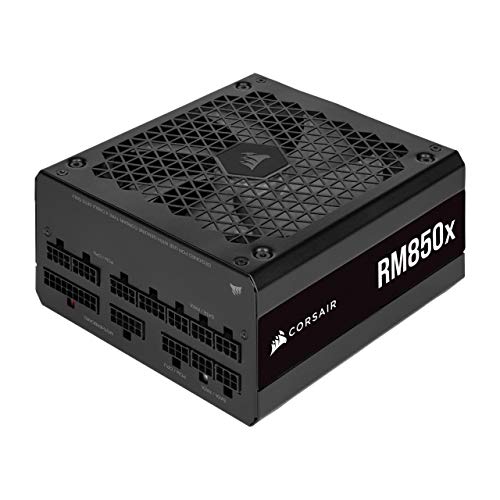
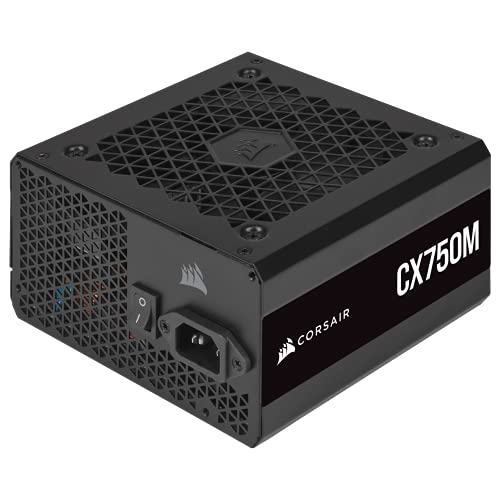
Motherboards and power supplies must be chosen based on compatibility and reliability. Brands like ASUS, MSI, and Gigabyte are renowned for their durable and feature-rich motherboards. Power supplies should have sufficient wattage to support all components, with brands like Corsair and EVGA offering reliable options with high efficiency ratings.


For purchasing these components, online retailers such as Amazon and Newegg offer a broad selection and competitive prices. Brick-and-mortar stores like Best Buy provide the advantage of immediate availability and the opportunity to consult with knowledgeable staff. Second-hand marketplaces, such as eBay, can be a cost-effective option, though buyers should be cautious and check seller ratings and product conditions meticulously.
Ultimately, the best computer and components depend on your specific needs and budget. Whether you’re building a high-end gaming rig, a professional workstation, or a reliable everyday computer, carefully comparing performance benchmarks, price-to-performance ratios, and reliability ratings will ensure you make an informed decision.
The Best Peripherals and Accessories for Enhancing Your Computing Experience
When it comes to enhancing your computing experience, the right peripherals and accessories can make a significant difference, whether you are a gamer, a professional, or a casual user. This section delves into the best options available, analyzing features, ergonomics, durability, and overall value for money in various product categories.
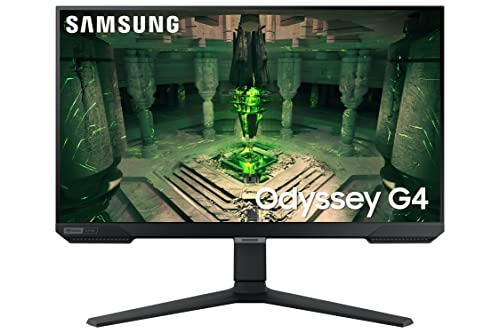
Monitors: A good monitor is essential for both productivity and entertainment. For professional work, especially in fields like graphic design and video editing, monitors with high color accuracy and resolution, such as the Dell UltraSharp or the BenQ PD series, are highly recommended. Gamers often prefer monitors with high refresh rates and low response times; the ASUS ROG Swift and the Acer Predator series fit the bill perfectly. Casual users might find great value in the LG UltraFine or the Samsung Odyssey series.



Keyboards: Ergonomics and key switch types are crucial when selecting a keyboard. Mechanical keyboards, like those from Corsair or Razer, are favored by gamers for their tactile feedback and durability. For professionals, the Logitech MX Keys offers a balance of comfort and functionality, while the Microsoft Surface Keyboard is an excellent choice for casual use.



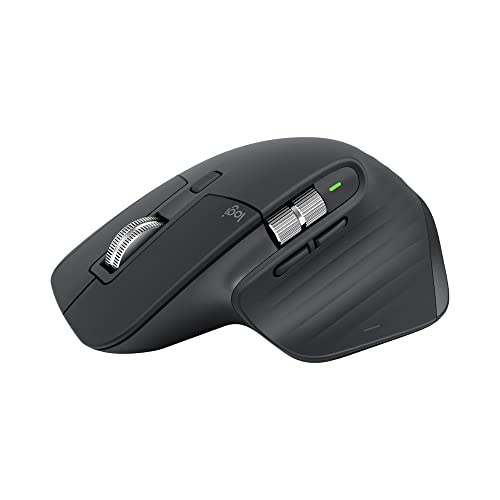
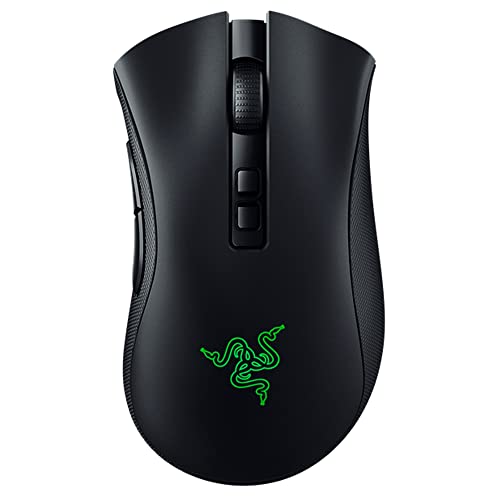
Mice: A mouse should be comfortable and responsive. Gamers often opt for high-DPI mice like the Logitech G Pro X Superlight or the Razer DeathAdder V2. Professionals might prefer the precision and ergonomic design of the Logitech MX Master series. For everyday tasks, the Microsoft Bluetooth Mouse offers reliable performance at a reasonable price.


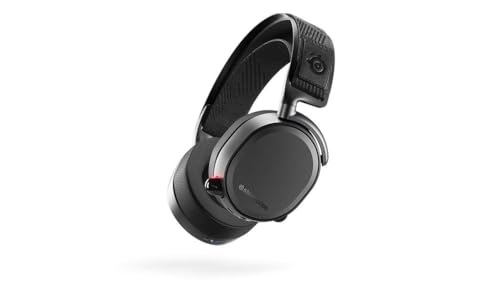
Headphones: Audio quality and comfort are paramount for headphones. The Sennheiser HD 660S and Beyerdynamic DT 990 Pro are top choices for audiophiles and professionals alike. Gamers might prefer the surround sound capabilities of the SteelSeries Arctis Pro or the HyperX Cloud II. Casual users will find the Sony WH-1000XM4 or the Bose QuietComfort 35 II to be excellent all-rounders.




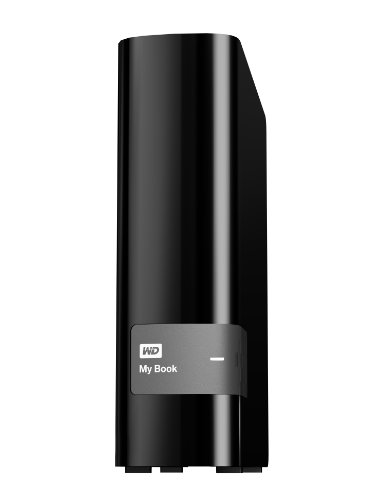
External Storage Solutions: Reliable external storage is essential for data backup and transfer. SSDs like the Samsung T7 and the SanDisk Extreme Pro offer high-speed performance and durability. For larger storage needs, the Western Digital My Book and the Seagate Backup Plus Hub provide ample space and reliable performance.



When purchasing these peripherals and accessories, it’s advisable to compare prices from multiple retailers to find the best deals. Additionally, consider the warranty and customer support options, as these can significantly impact the overall value and longevity of your investment.