
Comparing Computers and Their Components
When purchasing a computer, whether it be a desktop or laptop, several factors need consideration to ensure you get the best performance for your investment. The first decision often revolves around choosing between a desktop and a laptop. Desktops typically provide better performance per dollar spent and offer easier component upgrades, while laptops offer portability. Key brands such as Dell, HP, and Apple dominate the market, each with models catering to different needs, from budget-friendly options to high-end professional machines.
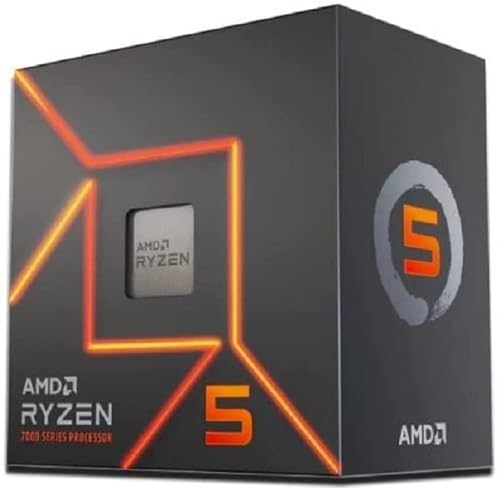
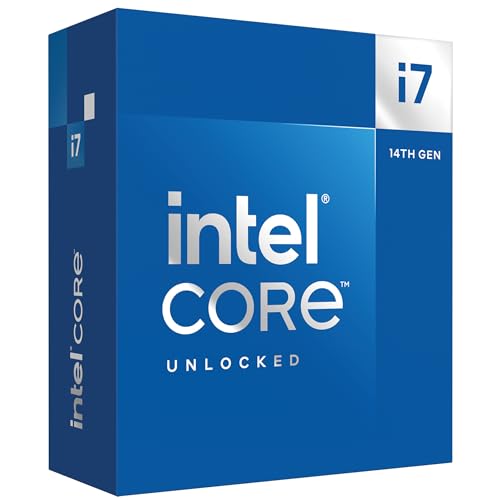
The CPU, or central processing unit, is a critical component, significantly impacting overall performance. Intel and AMD are the primary manufacturers. Intel’s Core i5 and i7 series are renowned for their strong single-thread performance, making them ideal for tasks like gaming and complex calculations. On the other hand, AMD’s Ryzen series, particularly the Ryzen 5 and Ryzen 7, offers excellent multi-thread performance, which is beneficial for content creation and multitasking. Both brands have their pros and cons, with Intel often being slightly more expensive but providing higher clock speeds, while AMD offers more cores at a lower cost.




The GPU, or graphics processing unit, is essential for gamers and professionals working with graphic-intensive applications. NVIDIA and AMD are the leading manufacturers. NVIDIA’s GeForce RTX series, particularly the RTX 4060 and 4080, is known for its superior ray-tracing capabilities and AI-enhanced features, making it a favorite among gamers and creative professionals. AMD’s Radeon RX series, like the RX 7800 XT, provides competitive performance at a slightly lower price point, offering excellent value for those on a budget.


Memory, or RAM, affects how smoothly your computer can handle multiple applications simultaneously. Common capacities are 8GB, 16GB, and 32GB, with higher capacities being better for heavy multitasking and professional applications. Speed also matters, with DDR5 6000MHz generally being a good balance of performance and cost. For future-proofing, consider higher capacities and faster speeds if your budget allows.


Storage solutions have evolved significantly, with SSDs (Solid State Drives) and NVMe (Non-Volatile Memory Express) drives offering faster data access speeds than traditional HDDs (Hard Disk Drives). While HDDs are cheaper and offer larger capacities, SSDs and NVMe drives drastically improve boot times and file access speeds. For most users, a combination of an SSD for the operating system and applications, along with an HDD for larger files, provides the best balance of speed and storage capacity.


The motherboard is the backbone of your system, with form factors like ATX, Micro-ATX, and Mini-ITX determining the size and expandability of your build. Chipsets from Intel and AMD vary, with higher-end models offering better performance and more features. Ensure compatibility with your chosen CPU and future-proofing potential with ample expansion slots and ports.


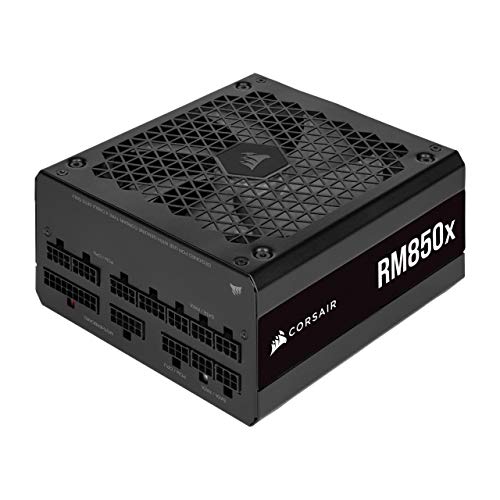
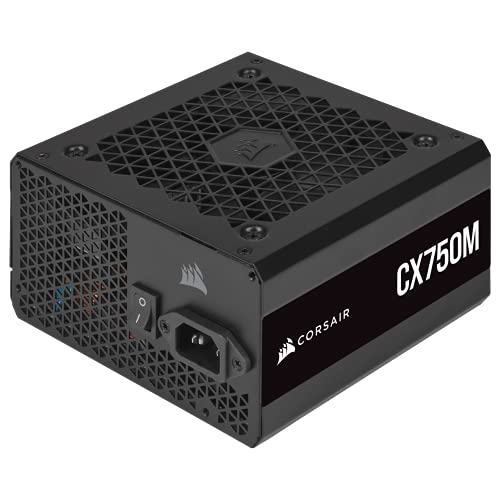
Lastly, the power supply unit (PSU) is crucial for system stability. Efficiency ratings such as 80 Plus Bronze, Silver, Gold, and Platinum indicate how effectively the PSU converts power. A higher rating means better efficiency and reduced electricity costs. Wattage requirements depend on your system’s components, with most gaming and high-performance setups needing at least 650W to 750W.


By carefully considering each of these components and their respective pros and cons, you can tailor your computer purchase to meet your specific needs and budget constraints, ensuring optimal performance and longevity.
Top Choices for Peripherals, Accessories, and Other Electronic Products
When it comes to enhancing your electronic setup, selecting the right peripherals and accessories is crucial. Let’s dive into some of the top choices across various product categories to help you make informed decisions.
Monitors
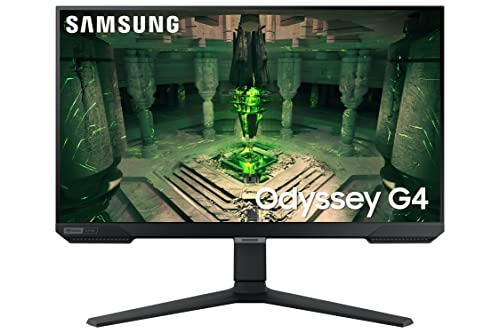
Choosing the right monitor is essential for an optimal visual experience. For those seeking high resolution, 4K monitors provide stunning clarity, though they come at a higher price point. If gaming is a priority, a monitor with a refresh rate of 144Hz or higher offers smoother gameplay compared to standard 60Hz models. For a balance between performance and affordability, 1080p monitors with a 75Hz refresh rate are a solid choice.



Keyboards
Keyboards are available in two main types: mechanical and membrane. Mechanical keyboards, known for their tactile feedback and durability, are favored by gamers and typists who prefer a more responsive experience. On the other hand, membrane keyboards are quieter, more affordable, and suitable for everyday use. Consider factors such as switch type, key rollover, and backlighting when making your choice.



Mice
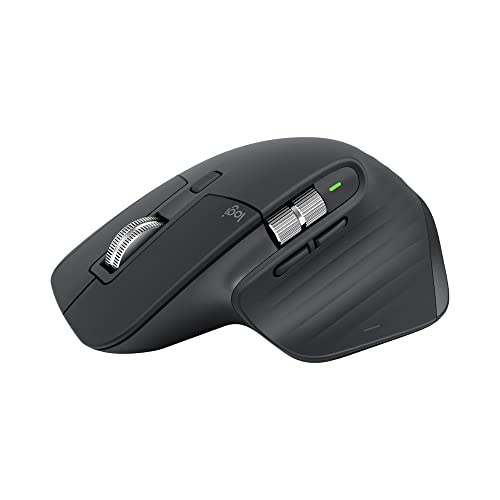
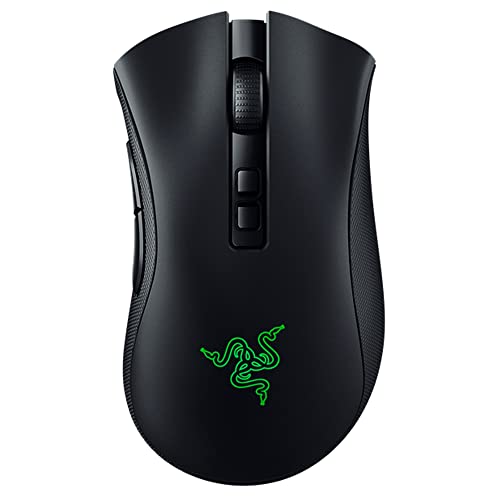
When selecting a mouse, the choice between wired and wireless can significantly impact user experience. Wired mice typically offer lower latency, making them ideal for gaming. Wireless mice, although slightly laggier, provide the convenience of mobility and reduced cable clutter. Look for adjustable DPI settings and ergonomic designs to enhance comfort and precision.


Headphones
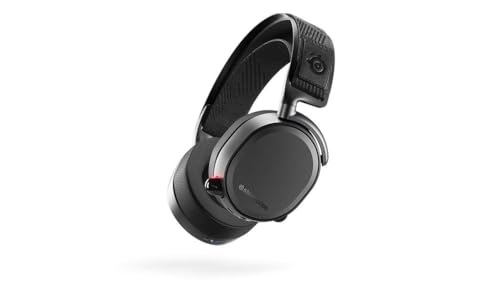
Headphones come in various types to suit different needs. Noise-canceling headphones are perfect for reducing ambient noise, making them ideal for travel or busy environments. Gaming headphones often include a built-in microphone and surround sound capabilities for an immersive experience. Studio headphones prioritize sound accuracy, catering to audiophiles and music producers. Consider comfort, sound quality, and battery life when choosing your pair.




External Storage Solutions
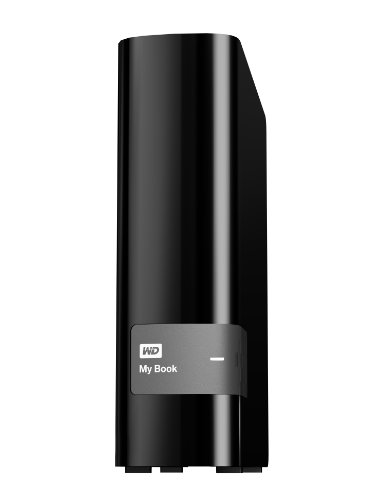
External storage solutions are essential for data backup and portability. Portable HDDs offer large storage capacities at a lower cost, though they are slower than SSDs. SSDs, while more expensive, provide faster data transfer speeds and increased durability. USB drives are a convenient option for quick file transfers and portability, though they typically offer less storage space compared to HDDs and SSDs.



Smart Home Devices
Smart home devices, such as smart speakers, thermostats, and security cameras, enhance convenience and security. Popular options include Amazon Echo and Google Nest, which integrate seamlessly with other smart home products. Look for compatibility with your existing devices and ease of use when selecting smart home products.


Routers
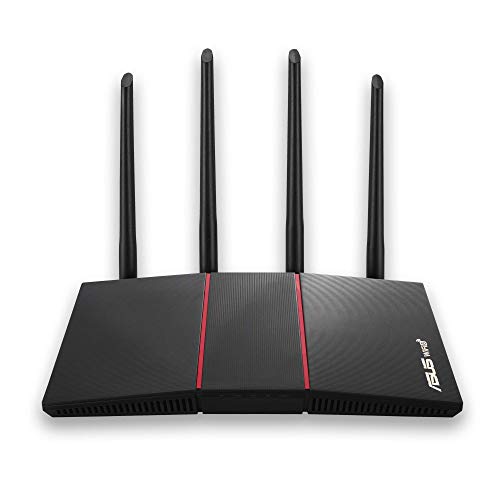
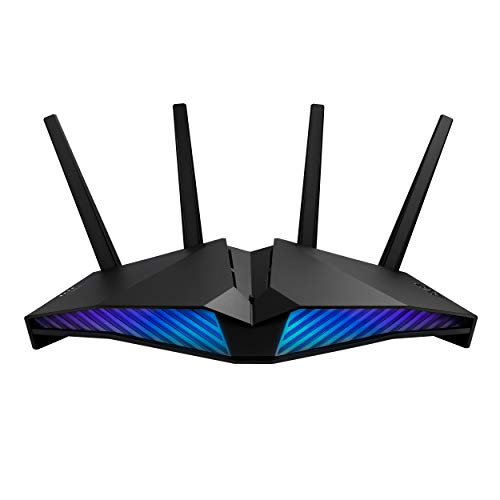
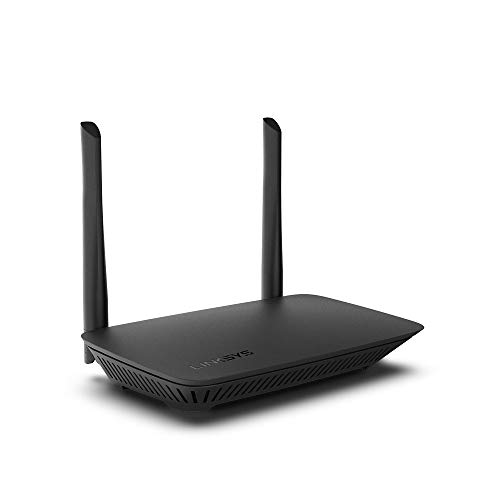
A reliable router is essential for maintaining a strong and stable internet connection. Dual-band routers, offering both 2.4GHz and 5GHz frequencies, provide flexibility and reduce interference. Mesh router systems are ideal for larger homes, ensuring consistent coverage throughout the space. Consider speed, range, and security features when choosing a router.

Wearables
Wearable technology, such as smartwatches and fitness trackers, offer a range of functionalities from health monitoring to notifications. Popular models include the Apple Watch and Fitbit series. When choosing a wearable, consider compatibility with your smartphone, battery life, and the specific features that align with your lifestyle needs.


In summary, selecting the right peripherals and accessories can significantly enhance your electronic setup. By considering factors such as performance, durability, user experience, and value for money, you can make informed decisions and choose products that best meet your needs.